BeamNG Mod Manager 🧡 v0.5.8: New Disk Space Savings dashboard and a Smarter Duplicate tool!
Another day, another feature! Brand-new dashboard that shows off how much disk space BMM is saving you, a much smarter duplicate-cleanup tool, and an even sharper image picker.
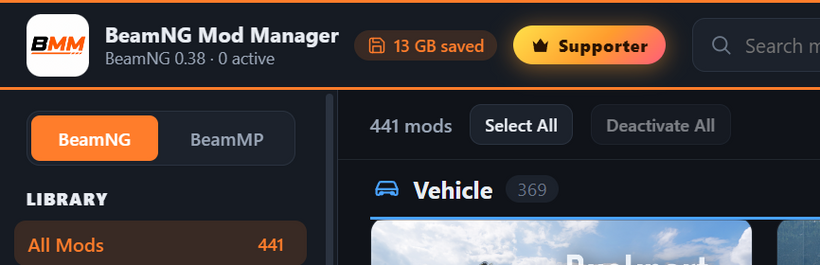
💾 New: The Space Saved dashboard
Ever wonder how much room you're actually saving by letting BMM hardlink your active mods instead of copying them all over your game folders? Now you can see it. Click the new "saved" chip in the top bar for a tidy breakdown: space saved by linking instead of copying, space reclaimed from cleaning duplicates, and your whole library at a glance. It's oddly satisfying to watch the number climb. 📈
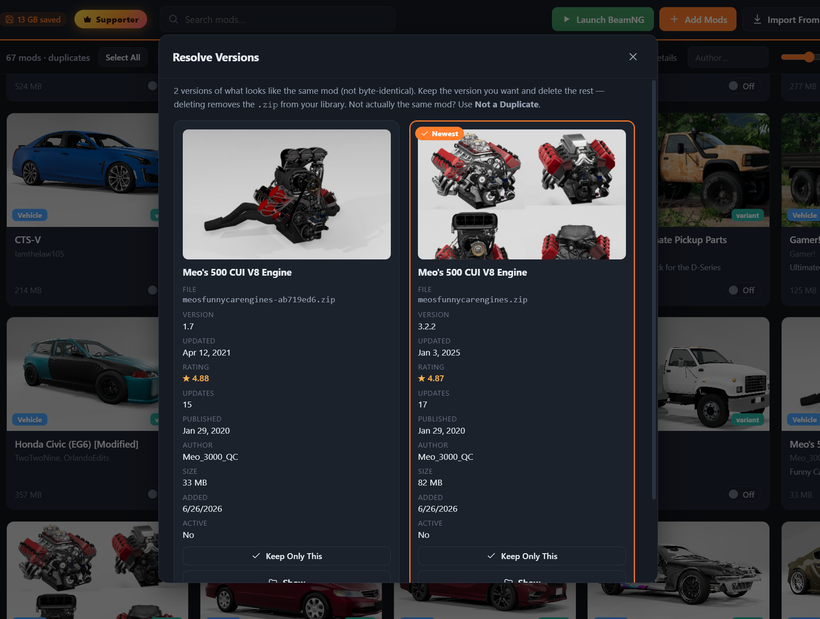
🔍 A much smarter Resolve (duplicate) tool
Deciding which copy of a mod to keep just got a lot easier:
Each card now shows real repository details — rating, downloads, version, and when it was last updated and first published.
A "Newest / Suggested" badge points you at the best copy to keep.
The full .zip filename is always visible now (no more truncated names), so you can tell near-identical files apart.
Decided two mods aren't actually duplicates? Hit "Not a Duplicate" to drop them off the list for good (nothing gets deleted).
🖼️ Even better mod images
The image picker/carousel got another pass:
It now hides tiny low-res icons (like icon.jpg) unless that's genuinely all a mod has.
It drops duplicate "thumbs" mirrors and exact-duplicate images, so you don't see the same shot three times.
It prefers images that match the mod's name and pushes down skin/livery textures and in-game screen backgrounds (like a car's touchscreen-radio art) — so you see the mod itself, not its bits and pieces.
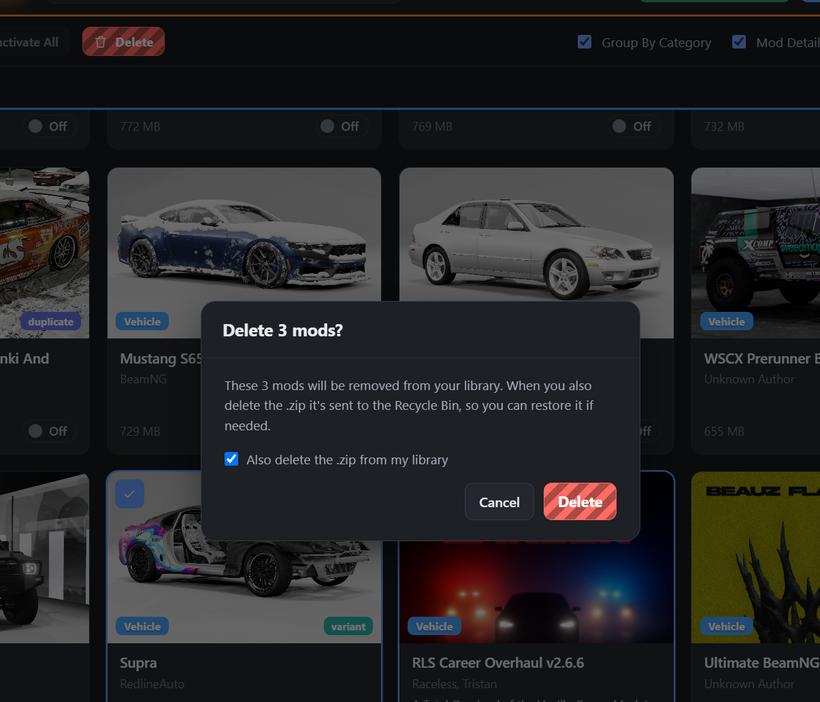
✨ Polish & Fixes
Delete buttons are now clear white, bold, and a touch larger everywhere (including in the Resolve pop-up).
The installer/desktop icon is crisp at every size now, instead of looking small on the desktop shortcut.
Added a "Set User Folder to Default" button to the BeamNG settings for easy recovery if a folder gets pointed at the wrong place.
The close buttons on the mod details panel and the enlarged-image view are easier to click.
The onboarding folder step now scrolls, so "Get Started" is always reachable on shorter windows.
One heads-up: this update improves how mods are read, so you'll likely see a "Needs Rescan" prompt — give it a quick rescan and the new Resolve details light up.
DOWNLOAD HERE:
https://www.patreon.com/BeamNGModManager/posts/download-beamng-162936910
Thank you, as always.
Cheers!
NickTheGrizzly 🧡
Fight your mod folder less. Play BeamNG more.