BeamNG Mod Manager 🧡 0.8.27: A Real BeamMP Server Browser, and One Library Instead of Two.
Released August 6, 2026
This is the biggest change to how BMM handles BeamMP since I added support for it, so bear with me — there's a lot here, and it's worth explaining properly. This one was a gnarly one to build. lol.
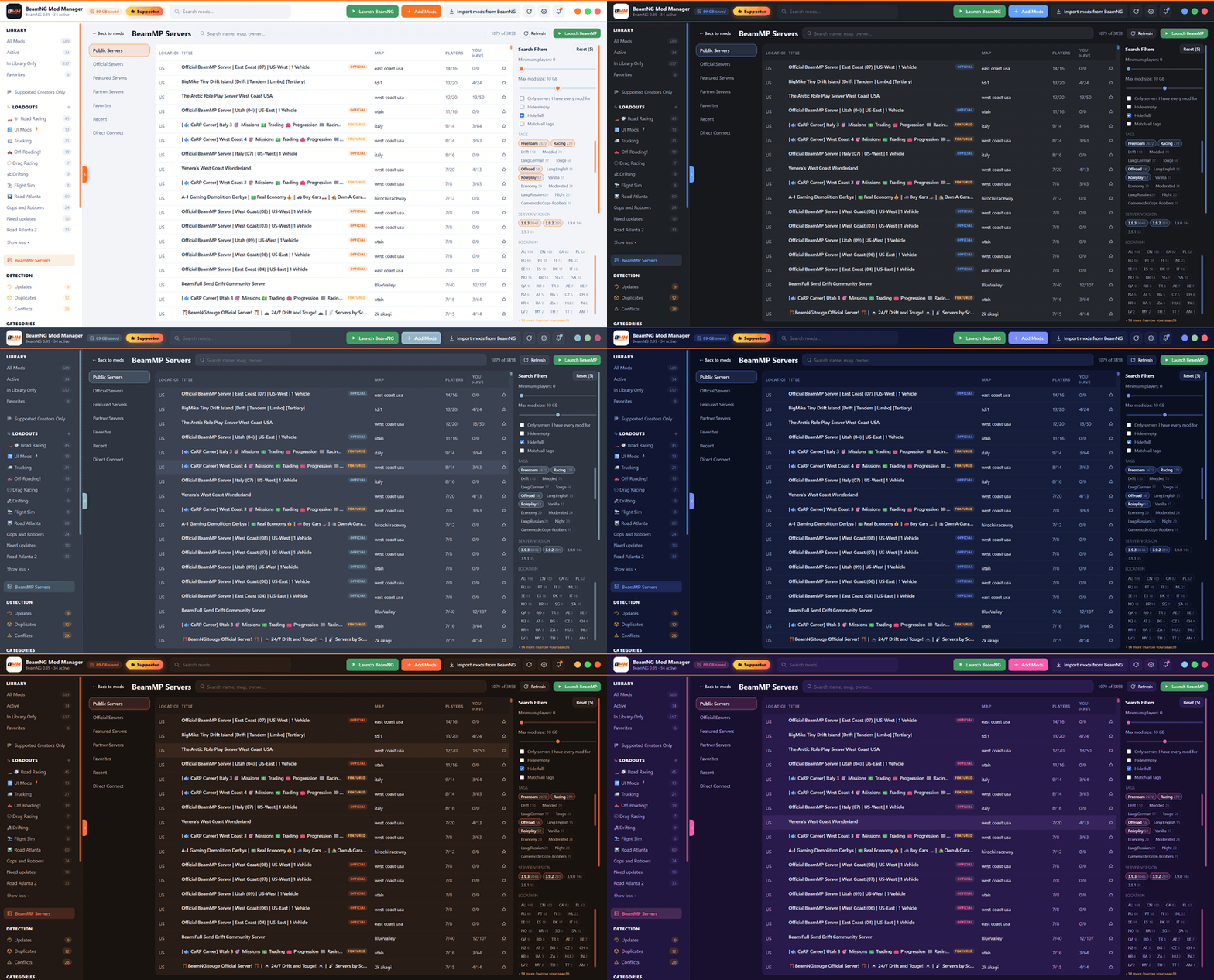
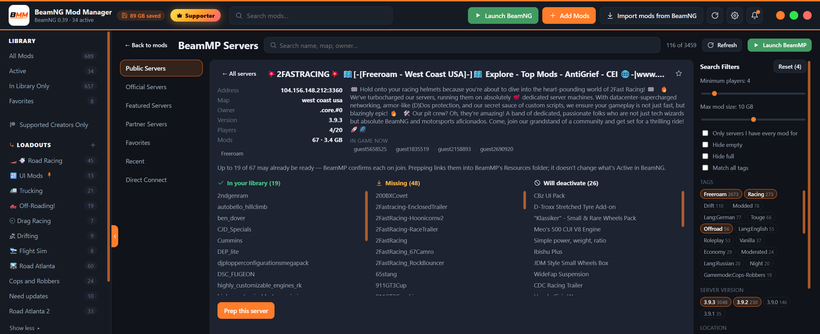
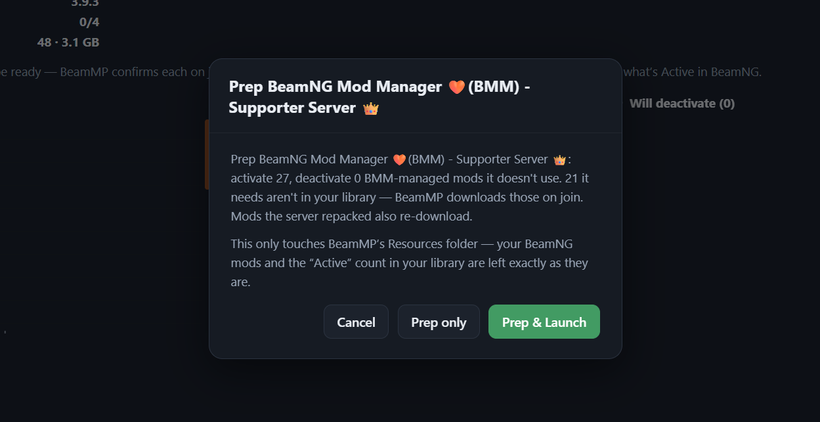
A real BeamMP server browser - the Servers page has been rebuilt to work like BeamMP's own in-game browser: categories down the side (Public, Official, Featured, Partner, Favorites, Recent, Direct Connect), a proper server table with country, map, player counts, and how many of its mods you already have, plus a filter panel for tags, server version, country, player count, download size and map — with the standard BeamNG maps listed first. You can favorite servers and see the ones you looked at recently. Selecting one shows its owner, description, tags and who's playing right now, alongside the list of mods it needs and which of those you already have.
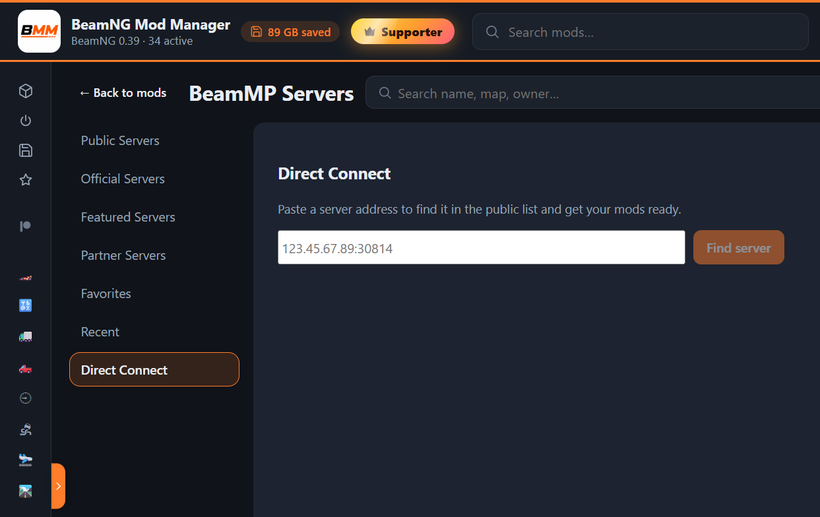
Direct Connect lets you paste a server address to find it and get your mods ready. To be clear about what that actually does: BMM finds the server in the public list and preps your mods — it can't join for you. I tried so hard, but it feels like the only way to do it would violate BeamNG/BeamMP terms honestly and I definitely don't want to upset them. Also, if an address isn't in the public list, BMM can't see which mods it uses. Join servers from BeamMP's own list instead and BeamMP will download what it needs on its own.
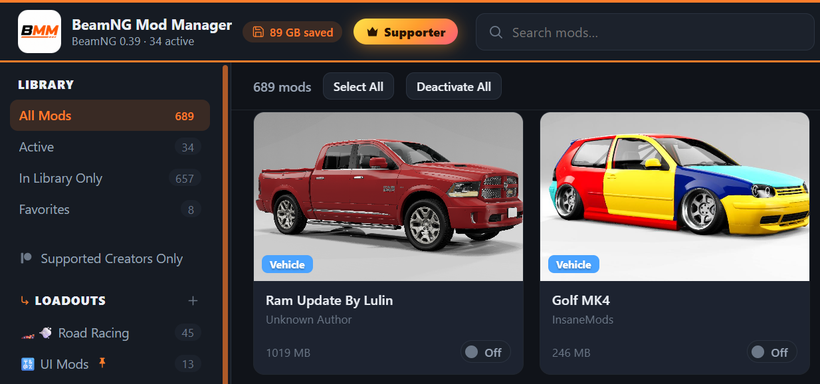
And here's the part that actually changes how BMM works - the BeamNG/BeamMP switch is gone, and so is the separate BeamMP mod view. Managing BeamMP mods by hand isn't necessary anymore — prepping a server from the browser does it for you — so BMM is now one library, with the Servers page handling everything BeamMP. Because of that, BeamMP Loadouts have been removed, and any mods BMM had linked into BeamMP were deactivated once, when you updated. None of your actual mod files were touched — every one of them is still sitting in Mod Storage — and BMM tells you exactly what it did the first time you open it after updating.
A couple of things moved as a result: "Import mods from BeamNG" is now always in the top bar, importing from BeamMP lives in Settings, and there's a "Launch BeamMP" button right on the Servers page for when you just want the client open. Conflicts also now covers both BeamNG and BeamMP together instead of only whichever side you'd last selected, with each conflict labeled by where it applies.
Updating: on 0.8.8 or newer, just hit Settings → Check for Updates (or the update pill in the top bar). Or:
Download here: BeamModManager.xyz
(Portable version is on there)
Cheers!
NickTheGrizzly 🧡
Save time and space so you can play more BeamNG.