BeamNG Mod Manager 🧡 0.8.25-0.8.26: A Sidebar That Shrinks, Mouse Navigation That (Actually) Works, and more fixes.
Released August 4-5, 2026
Two more updates from this past week that I felt belong together - 0.8.25 introduced a collapsible sidebar and mouse back/forward navigation (I know my power users are going to be happy with that one 🫡), and 0.8.26 is really just me making the mouse buttons actually work, because it turned out it mostly didn't and it depended on your hardware. Now it's actually works. lolol. Here's the details:
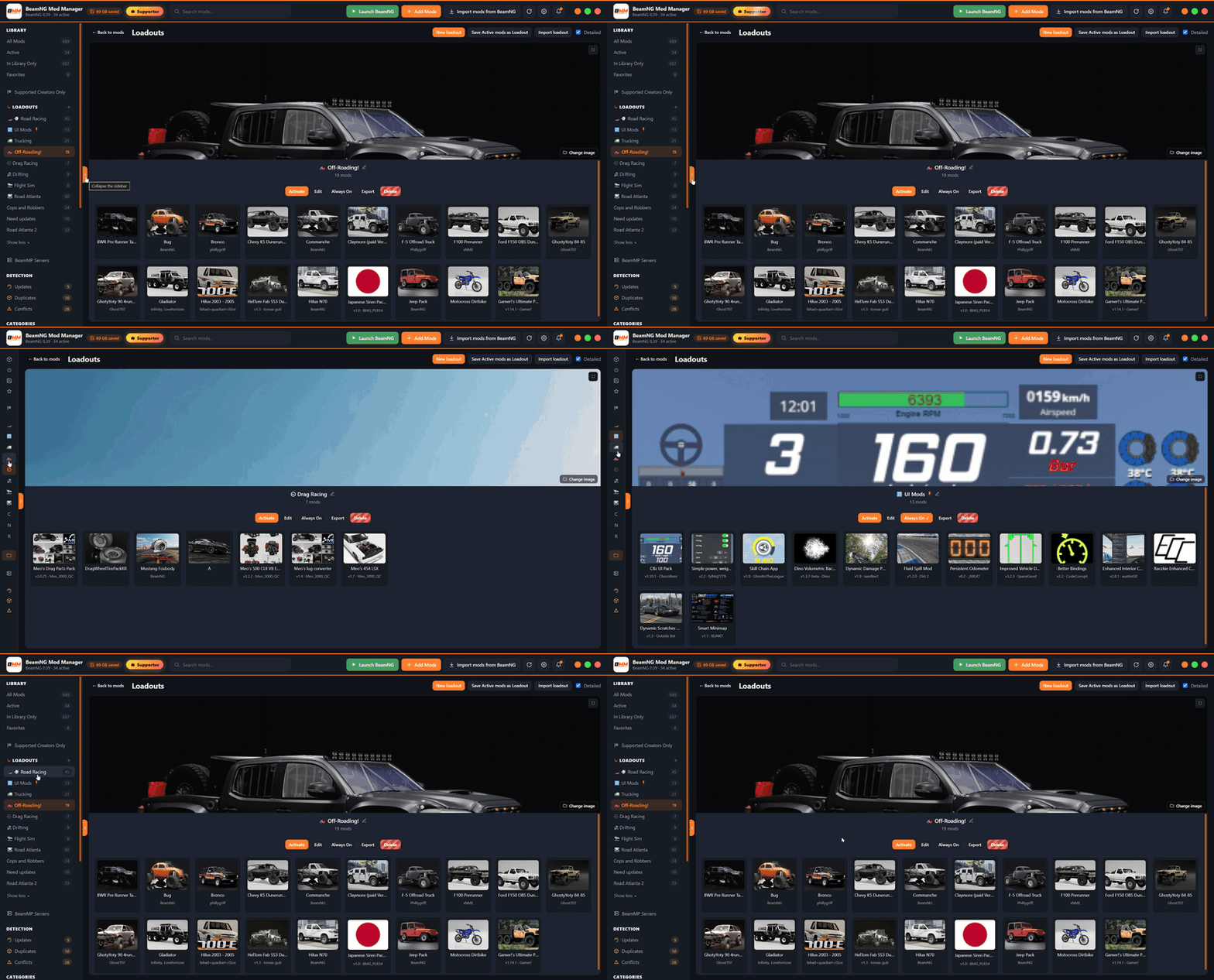
A sidebar that can shrink - Collapse it down to a slim icon strip using the arrow at its top, handy on smaller windows. Your library sections, Loadouts, the Loadouts page and the Servers page all stay one click away. Filter chips and library stats hide while it's narrow, but any filter you had switched on stays switched on — the strip shows a "Clear filters" row (hover it to see what's active), one click clears it.
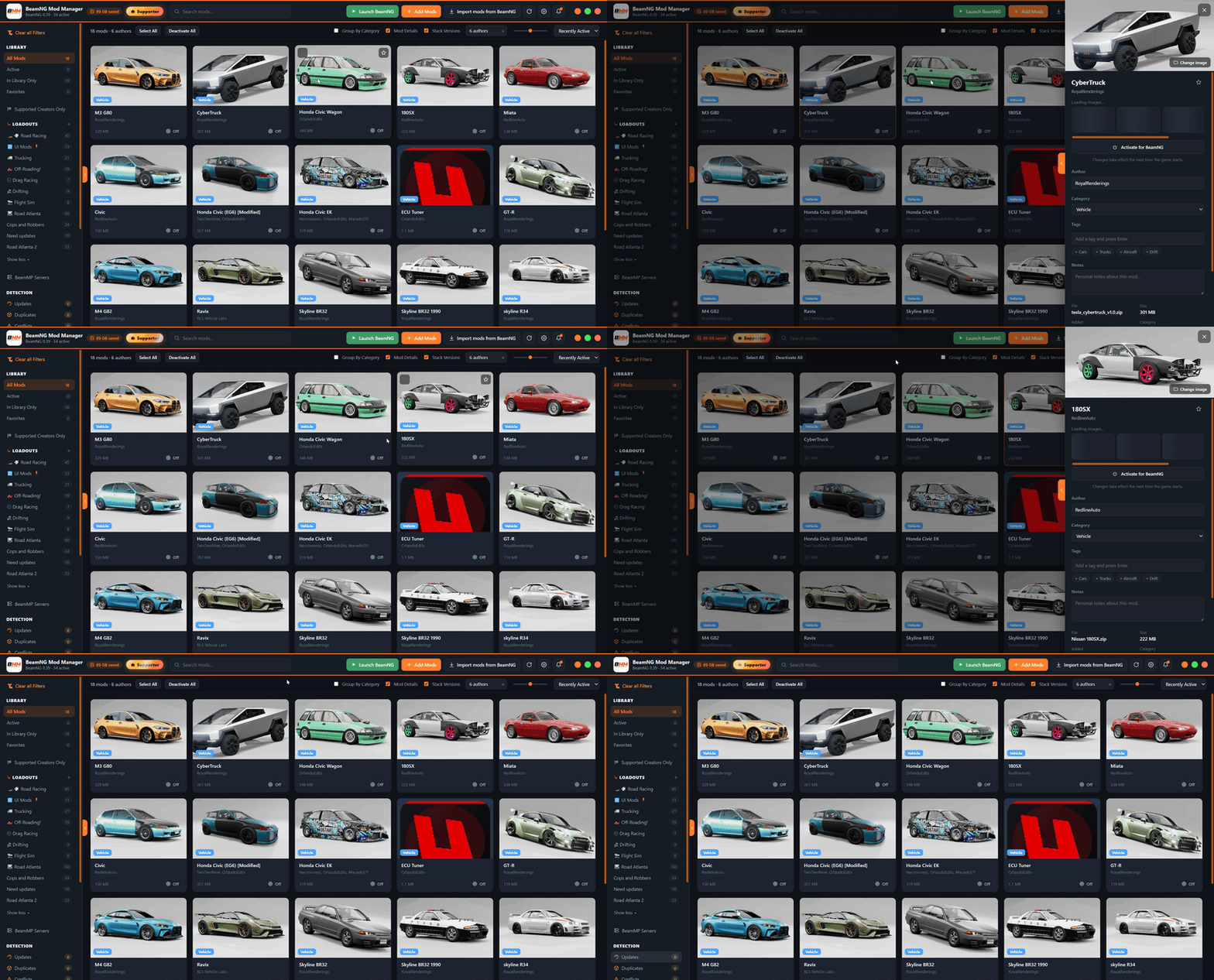
Mouse back/forward. V2 (lol) - 0.8.25 added support for the back/forward buttons most mice have, the same way they work in a web browser: step between pages, scopes, and views you've visited, with your search and filters coming back with you. The problem: BMM listened for these the way Windows describes them, and on a lot of mice that signal never actually arrives — so for plenty of people the feature quietly did nothing. 0.8.26 fixes that for real: BMM now listens three ways at once, including the one your mouse actually uses, and Alt+Left / Alt+Right do the same job from the keyboard if you'd rather not rely on your mouse at all.
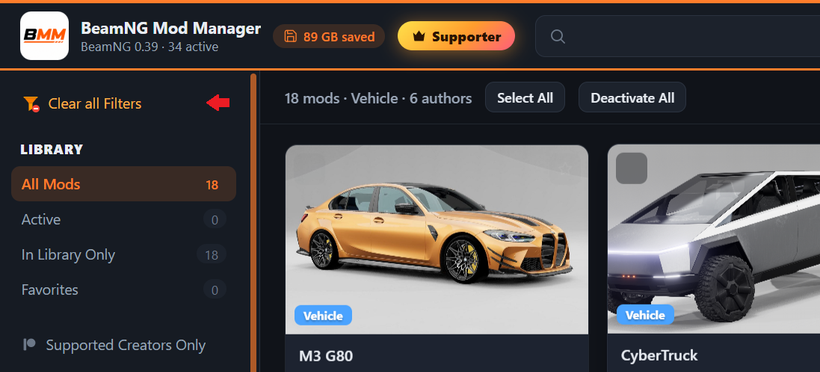
Filters got harder to lose track of - When something's narrowing your library, the sidebar now says so in plain words — "Clear: supported creators only," "Clear: search …" — and one click clears all of it. That row used to only show up while the sidebar was collapsed, so a filter you'd switched on by accident could quietly cut your library down to a fraction of itself with nothing on screen to explain why. It now also covers the author filter and search box, not just categories, tags and creators, so anything narrowing what you see is named in one place. "Supported Creators Only" also got easier to spot — it now lights up in Patreon orange using the same mark you already see on mod cards (it still matches Ko-fi, Buy Me a Coffee, Gumroad and Boosty creators too, not just Patreon), and it stays visible even when the sidebar is collapsed, instead of vanishing unless it was already on.
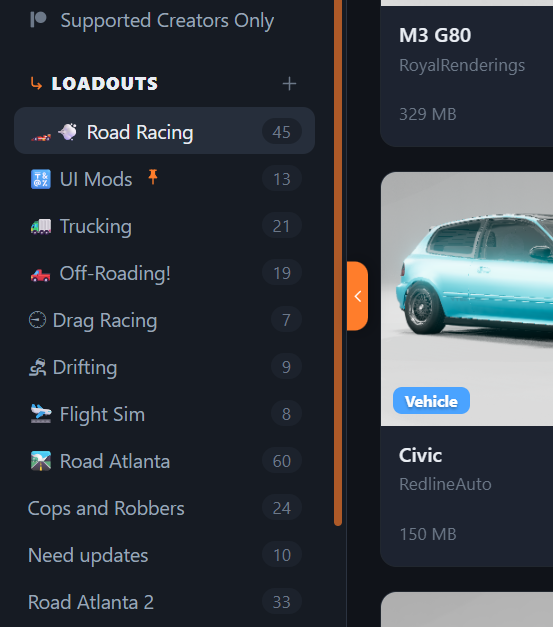
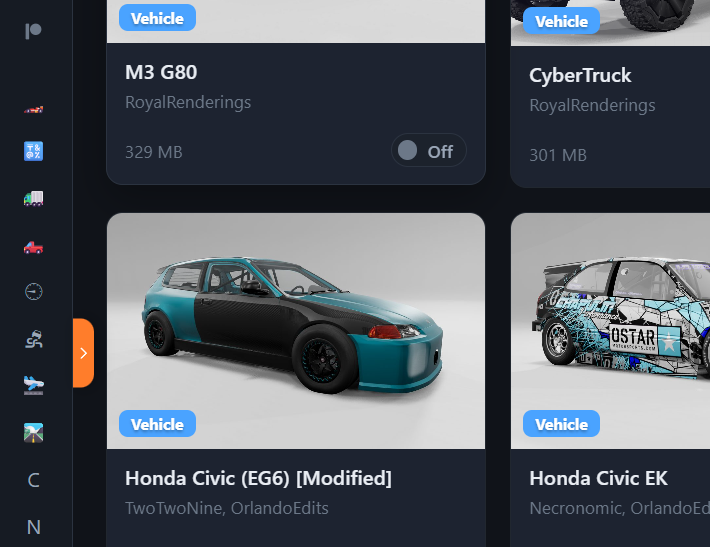
A few smaller things: Loadout names that start with an emoji now show that emoji in the collapsed sidebar instead of a letter; the sidebar's collapse control moved to a tab on the edge, matching the one on the mod details panel, so it no longer eats space inside the sidebar itself; and when an update button is greyed out, BMM now says why right on screen instead of hiding the reason in a tooltip you had to go looking for.
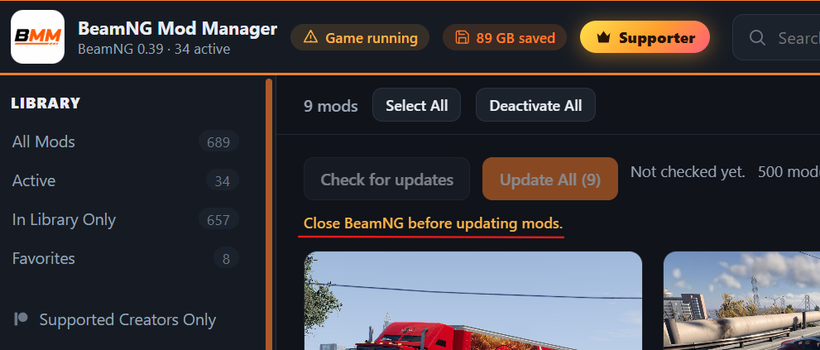
When starting a mod update — "Update Mod" or "Update All" — is also now unavailable while BeamNG or the BeamMP launcher is open, matching "Check for updates": before this, an update could still download in the background while the game was open, either sitting there waiting for you to switch after quitting or landing in your library without you realizing. "Update All" also now stops cleanly if BeamNG or BeamMP launches partway through a run, naming the program that interrupted it and still reporting what it finished — run it again afterward to pick up where it left off. ✅
Updating: on 0.8.8 or newer, just hit Settings → Check for updates (or the update pill in the top bar). or:
Download here: BeamModManager.xyz
(Portable version is on there)
Cheers!
NickTheGrizzly 🧡
Save time and space so you can play more BeamNG.