BeamNG Mod Manager 🧡 v0.7.0: Backup & Restore: Your BMM Profile, Saved and Portable 💾
Released July 9, 2026
I promised some of you this would be here soon! Happy to say that settings & profile backup/restore is here! 🎉
This might be the biggest thing I've added since Loadouts themselves!
Everything you've spent time on while using BeamNG Mod Manager can now be protected! Your Loadouts, your tags and favorites, your notes, even the custom images you've hand-picked for your mods — can now be saved into a single portable file and brought right back. New PC, fresh reinstall, or just peace of mind: your BMM is finally yours to keep.
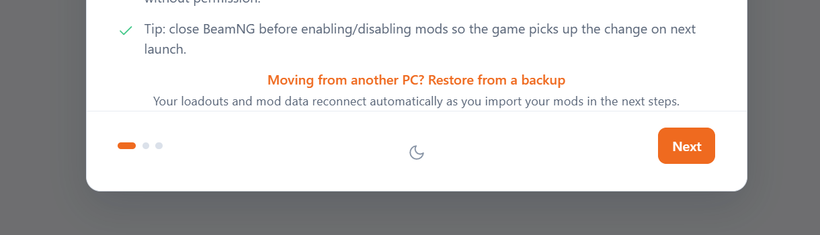
💾 One file, everything that's "you" — Head to Settings → Backup (or tap "Restore from a backup" right on the welcome screen) and BMM writes a tidy .bmmbackup file with all your personalization inside. Reinstalled Windows? Setting up on a second PC? Restore it and pick up exactly where you left off.
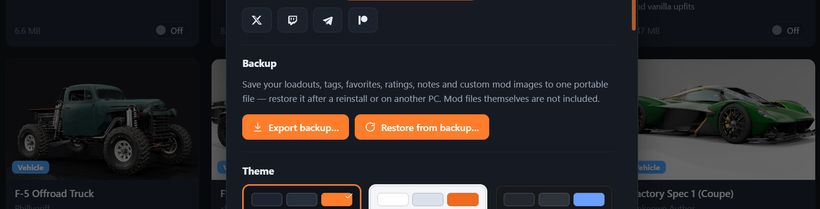
And to be clear about what's in it: it's your personalization, not your mods. The actual mod .zip files aren't bundled in — so no giant files, and nothing personal travels with it either. No folder paths, no account details. Just the parts that make BMM feel like yours! 😊
🛟 It never overwrites what you've already done — This was the one rule I refused to bend on. Restoring onto a BMM you've already been using never deletes or overwrites a thing — if you've re-rated or re-tagged a mod since your backup, your newer local version always wins, and tags simply merge together. Nothing you've set up gets clobbered. Restore with total confidence.
♻️ Restore first, import later and BMM will fill itself in — Here's the quiet magic (Loadouts fans will recognize it): you don't have to import your mods before restoring. Restore onto a brand-new install while your library is still empty, then copy your mods back in whenever you like — and your tags, favorites, images and Loadouts reconnect themselves automatically as each mod lands. No ordering, no fiddling. It just completes itself over time.
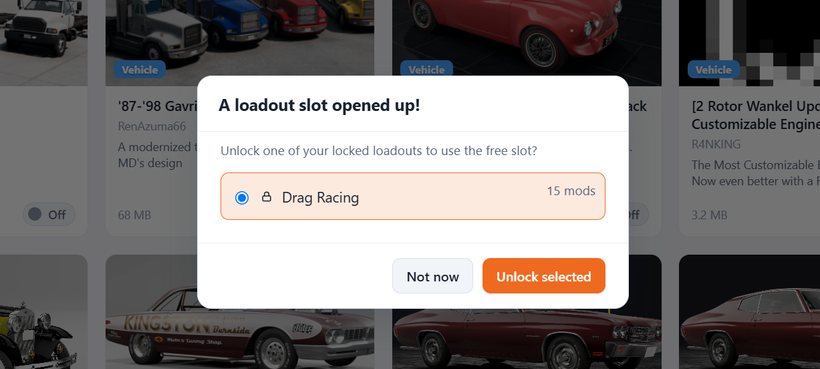
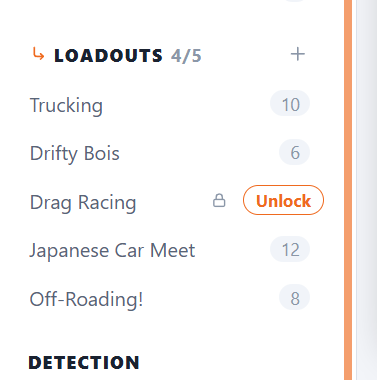
🔓 Friendlier Loadout Unlocks — On the free plan, when you delete a Loadout and free up one of your 5 slots, BMM now asks which locked Loadout you'd like back — instead of quietly picking one for you. And any locked Loadout shows an Unlock button the moment a slot opens up. Small thing, but it hands you back the wheel.
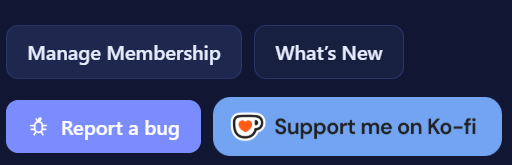
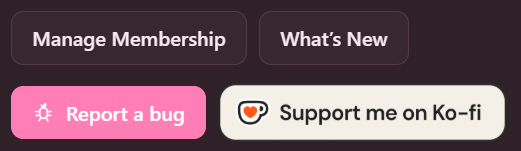
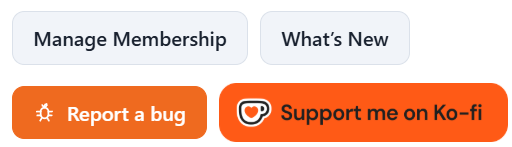
🧡 The support buttons got official The Ko-Fi button is now the real, official Ko-Fi badge — matched to whichever theme you're running — and it lives in the sidebar, in Settings, and on the Go Premium screen, with a proper Patreon button alongside it. If you ever feel like dropping a one-time coffee in the jar, it's right there. No pressure, ever — the whole manager stays free.
✨ And a little extra
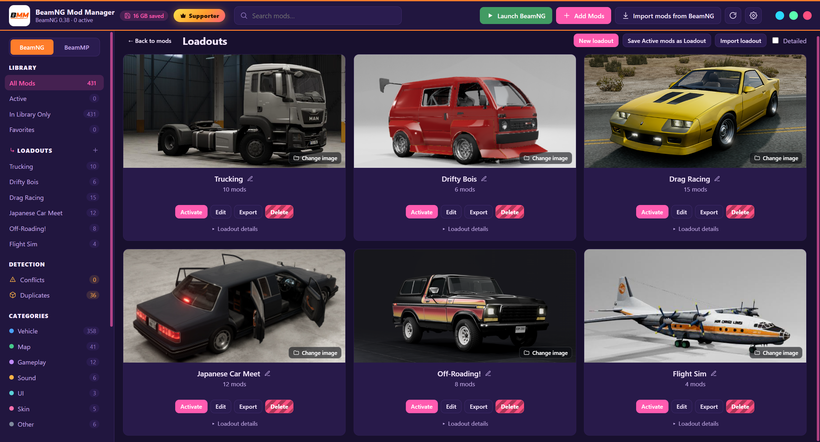
Loadout cards got a taller hero image, so your setups look even better at a glance.
This release means a lot to me. A mod manager you can't trust with your setup isn't really worth much — so being able to hand you a proper safety net for everything you've built here feels like BMM growing into what I always wanted it to be. As always, none of it happens without you. 🧡
Update and Backup today, then breathe easy. See you in the next! 🚗💨
DOWNLOAD HERE:
https://www.patreon.com/BeamNGModManager/posts/download-beamng-162936910
Cheers!
NickTheGrizzly 🧡
Save time and space so you can play more BeamNG.