BeamNG Mod Manager 🧡 0.8.15: Pack-safe pinning, protected data files
Released July 29, 2026
A quick follow-up to last night's v0.8.14 update — and the release that closes out the deep audit behind the last three updates. 🤓
Pinning is now pack-safe. Some mods ship as multi-part packs — several zips under one repository page. Pinning a version of one part could quietly remove or swap a different part in your Loadouts. Pinning now only ever touches the part you actually picked. (Also fixed: re-clicking a pin no longer pointlessly rewrites your Loadouts or resets an open editor.)
Your data files are harder to lose. BMM already protected you when its mod list couldn't be read at all — it keeps a backup and pauses automatic clean-up. But a file corrupted into valid-looking junk (it reads fine, it just contains nothing usable) slipped past that protection and was silently replaced with a fresh start. Now the mod list, Loadouts, the clean-up log, and held restore data all get the same treatment: backup kept, clean-up paused, and BMM tells you what happened.
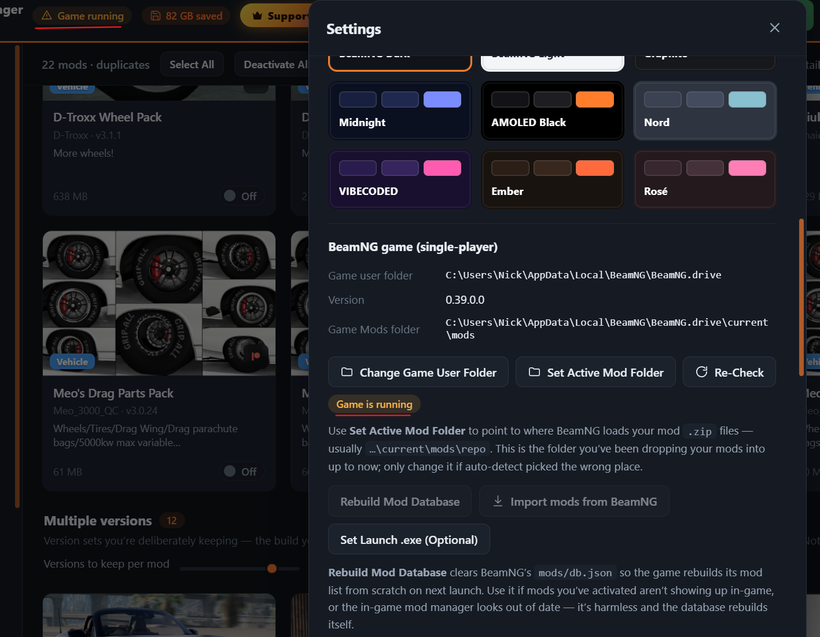
The "versions to keep" slider now tells you when clean-up is paused — so lowering it doesn't look like it did nothing.
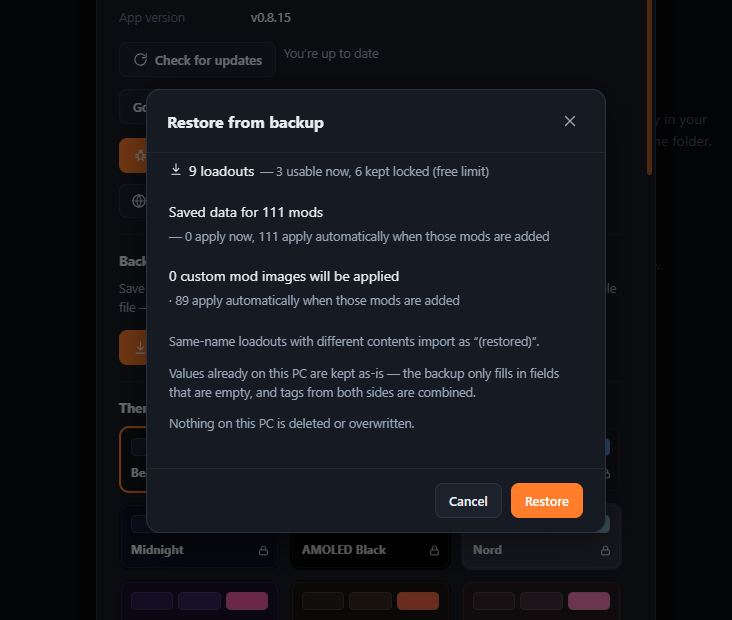
Restores are upfront about your custom covers. The restore window now says exactly how many custom mod images will be applied now, how many apply later when their mods are added, and how many are kept because you already set one on this PC — and the completion message reports what really happened, not what was hoped.
More honest counts. Marking several mods "Not a Duplicate" or ignoring several updates now reports "3 of 5" when something failed, instead of always claiming the full count.
Under the hood: updated the library that reads mod zips. The new version outright rejects certain malformed zips instead of quietly accepting mismatched data — safer for a program whose whole job is opening zip files from the internet. Your duplicate detection is unaffected: we checked that mod fingerprints come out identical before shipping.
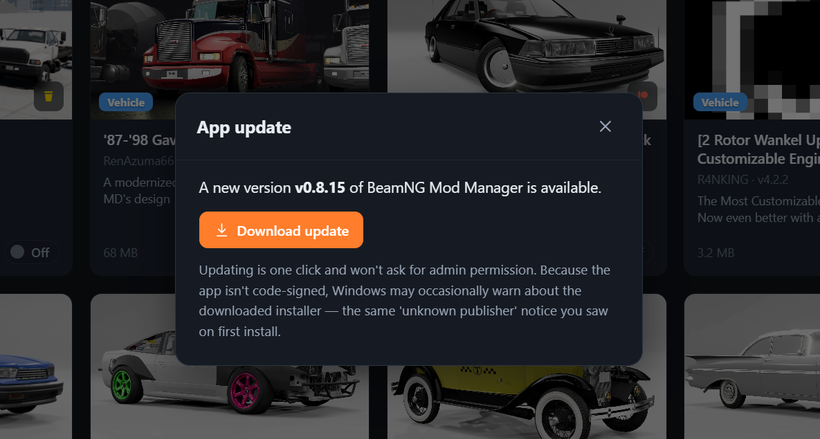
Updating: on 0.8.8 or newer, just hit Settings → Check for updates (or the update pill in the top bar). Otherwise grab it from beammodmanager.xyz.
That completes the arc: 0.8.13 made sure BMM never deletes the wrong file, 0.8.14 made sure it never tells you the wrong thing, and 0.8.15 swept up everything else the audit surfaced. Thanks for being along for it.
Let's continue to share BMM around everywhere so more people can enjoy their mods like this! Let your friends know! 🤝
Cheers!
NickTheGrizzly 🧡
Save time and space so you can play more BeamNG.