Get credited for your mods
BMM shows a “Support the creator” button on mods people already love — here’s how to make sure it points at you.
If you publish on the official BeamNG repository, BMM often finds you automatically — a support link on your resource page comes through with the mod.
If you distribute anywhere else — Patreon, Discord, your own site — BMM has no way to know a mod is yours. The creator marker fixes that: one small file inside your zip, and from your next release onward, every player on BMM 0.8.17 or newer who installs that build sees your support link — automatically. It can't retro-fit copies people downloaded before you added the file.
Why it’s worth it for you
Players who use Beam Mod Manager see a Support the creator button on your mods, right in their library — from our curated creator list or from your own bmm.json. Support links only ever open on Patreon, Ko-fi, Buy Me a Coffee, Gumroad or Boosty.
The template
Save this as bmm.json at the root of your mod's zip — next to your mod's top-level folders, not inside one:
{
  "bmm": 1,
  "user_id": 369484,
  "support": "https://www.patreon.com/YourName"
}
Use your BeamNG forum user id — the number in your forum profile URL, e.g. /members/yourname.369484/ — and/or your support link. A support link works on its own; a user id alone shows the button only once BMM's curated creator listings include you.
The rules
- The bmm field is required, and must be exactly the number 1.
- user_id is your numeric BeamNG forum id (1–10 digits). If BMM's curated creator listings already include you, this lights up your whole catalog — and the curated link always takes precedence over the one in this file.
- support is an https link on one of exactly five platforms: Patreon, Ko-fi, Buy Me a Coffee, Gumroad, or Boosty. Links on any other domain are ignored — BMM never opens anything outside those five.
- Save the file as UTF-8. In Notepad: Save As → Encoding, UTF-8. UTF-16 (“Unicode”) encoding will not be read.
- Malformed or oversized files (over 16 KB) are simply ignored — they never break your mod.
- Unknown extra fields are ignored too, so this format can grow later without breaking older BMM versions.
Questions creators ask
Why should I trust this? Is it safe for my users?
Does this work for repository mods too?
Do my users need to do anything?
I'm listed wrong, or want my link changed — what do I do?
Share your setup with your viewers
- In Beam Mod Manager, open Loadouts, pick the loadout from your video and choose Export. You get a small .bmmloadout file — share it in your description, Discord or Patreon.
- When a viewer imports it, every mod they already have in the same version joins the loadout straight away.
- Mods they don’t have yet appear greyed out, with a link to that mod’s official page when it has one on the BeamNG repository — so they download it from the source, not from a re-upload. Once they add that same version, it joins the loadout on its own.
The file holds the list of mods, not the mods themselves — nothing is redistributed.
Make a cover for it
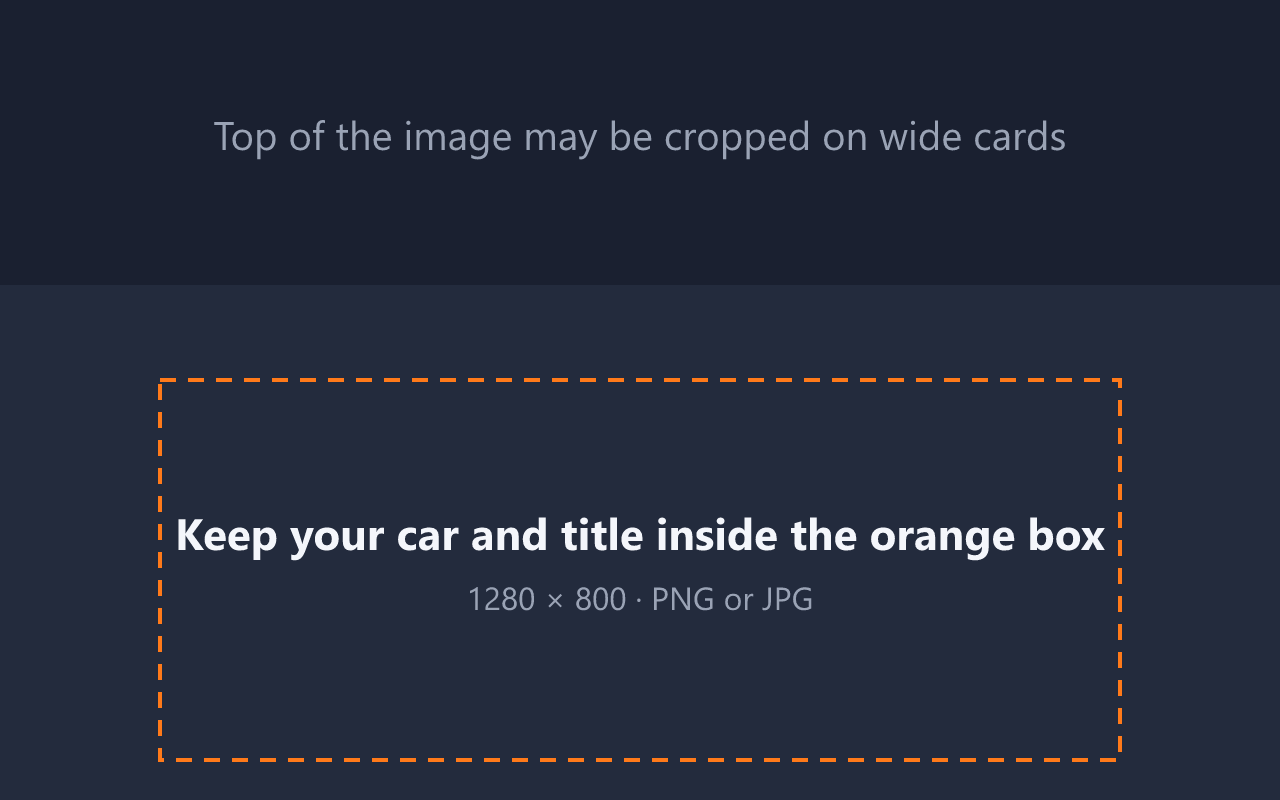
Give your loadout a recognisable cover. Download the template, keep your car and title inside the safe area, then set it as the loadout’s cover in BMM.